MySQL is one of the most popular open-source database, and people use it for wide range of purposes such as Web applications and eCommerce platforms. However, I bet most of you have unpleasant experiences using the command-line interface. For example, when I was first using MySQL command line, I sometimes got really upset because I had to retyped the whole query ten times in order to get the syntax correct. As a result, when I later discovered that there are some GUI applications for working with mySQL, I was like "Oh my goodness, these tools are amazing!" In this post, I will introduce two applications that I like the most in working with MySQL.
MySQL Workbench
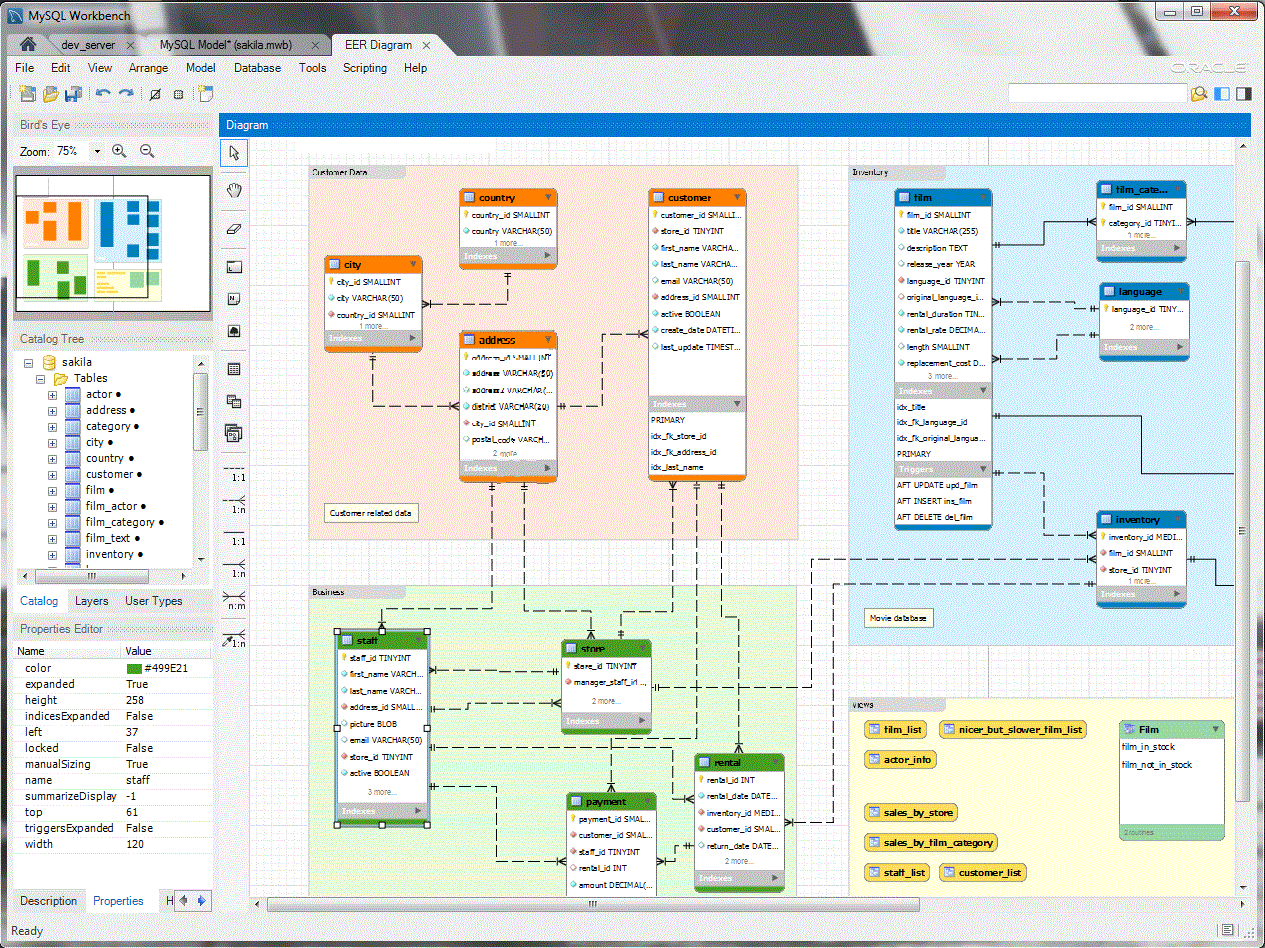
It is a visual database design tool which combines SQL development administration, database design, creation and maintenance into a single integrated development environment for MYSQL data system.
Pros
It is a great tool to quickly set up a new schema, manage relations and updating the underlying database. Also, it works great with JDBC. It is free!
Cons
Sometimes it crashes especially if you are using 64-bit version of Windows 7 so I recommend save the program often.
phpMyAdmin

It is a browser-based MySQL data administration tool written in PHP.
Pros
It is simple to use and has many features and options. User can easily create a database as modify it. Many SQL query can be done with clicking the mouse. Last but not least, it is also a great tool to forecast and see what the result will be if you put your code and database into the actual Web server later in the future.
Cons
Despite many people complain about the ineffiency of the user interface of phpMyAdmin, I personally can't find anything I dislike about.
To Conclude
These are the two GUI applications for MySQL that I like the most. If you have experiences with using these tools or other tools, please share with me and comment below!

I like how you talked about visual database design tools instead of the general idea of computer graphics that many people would think of. It was nice of you to share your personal experiences and share some useful GUI's that others may find useful when using MySQL. The pros and cons of using each GUI were well-done and easily understood. It is good to know that there are useful tools available to us to make our work easier. Good job!
ReplyDeleteHello, tinhonng. Good to read your post. because I'm very interested in database. it's very informative. I exactly know how you feel when you type same syntex several time. that's very annoying. Thank to you, I cannot do that repeat typing by using this tool. I have never used like this tool, it is going to be very useful. overall, good job and good to share this post.
ReplyDelete